How convert a photo image data to be used in an NES (Nintendo Entertainment System) game. Tools used: Gimp, NESASM, YY-CHR, FCEUX. Review of background tile, palette, and attribute data for assembly code. How to prepare the image in Gimp to used indexed palette. Copying image data to YY-CHR. Running the game file with FCEUX. Touching up the image and how to use Gimp to lay out image. Limitations of NES texture data. Demos with PowerPak, EverDrive, and Analogue Pocket.
History of game passwords for the 8-bit NES video game system console from the 1980’s. Pros and Cons for password systems. Design considerations for a password system. How passwords are generated in Mega Man 2. Method for generating passwords in Metroid. How powerups, boss status, game time, and starting position is converted from bits and bytes into a password. Demonstration of program that provides an API to generating passwords for multiple NES games. A look at characters and spaces for various other NES games. Explanation of combinatorics terms and how those apply to game passwords.
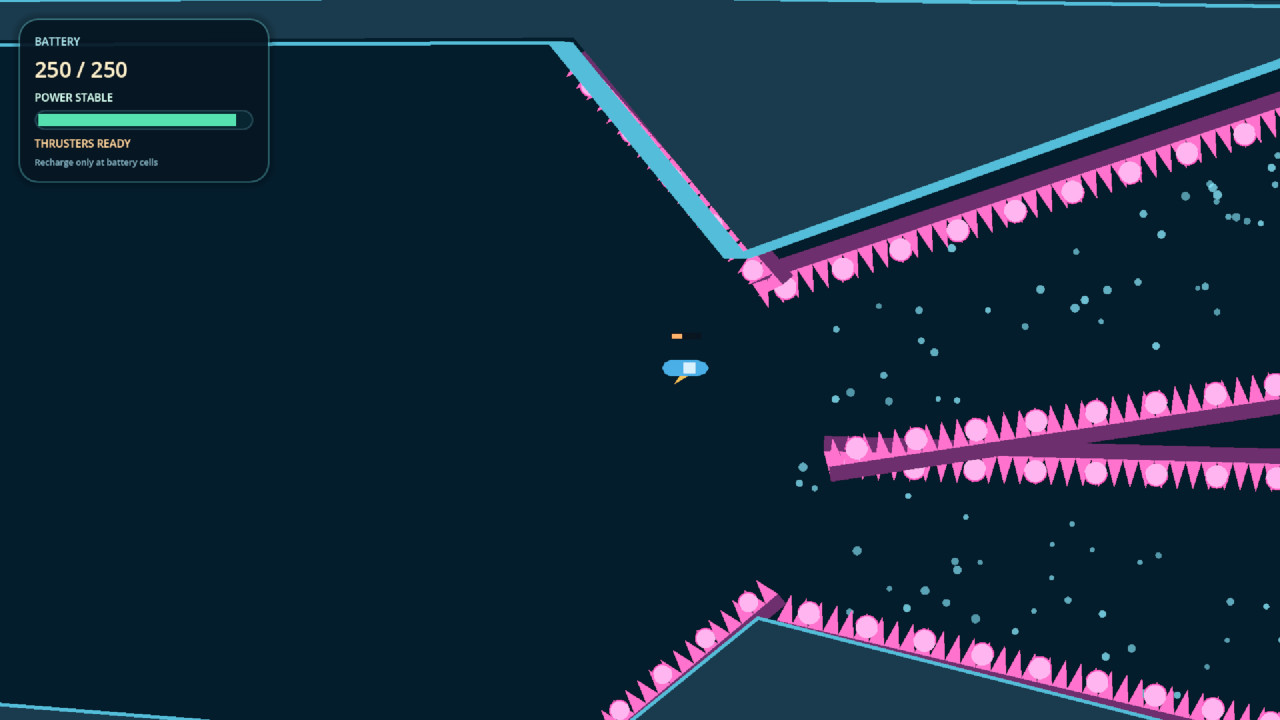
You must escape the cave! Click in the direction you want to go with left-click and release at the charge amount you’d like. Be careful, you only have a limited amount of battery. Collect more batteries to charge yours back up!
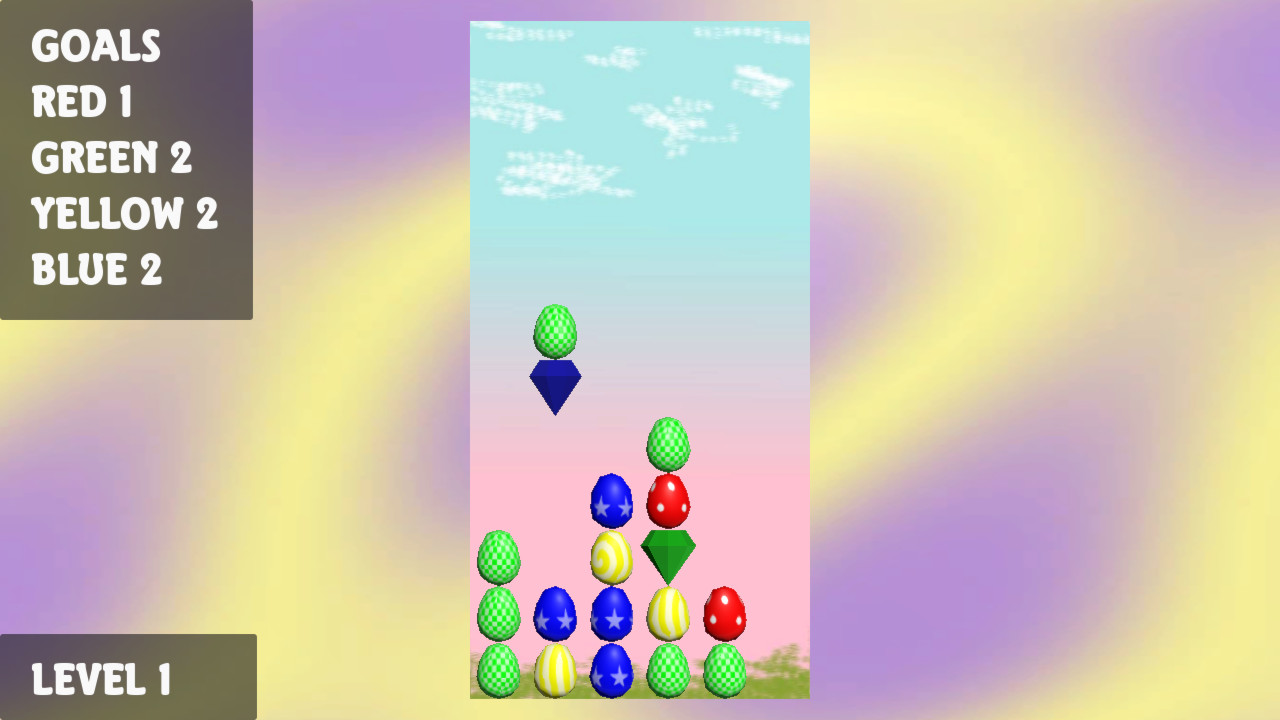
In this puzzle game, colored eggs (red, green, yellow blue) fall in pairs. You must crash the easter eggs using gems of the same color. Crash the number of eggs specified in the goals to move to the next level.
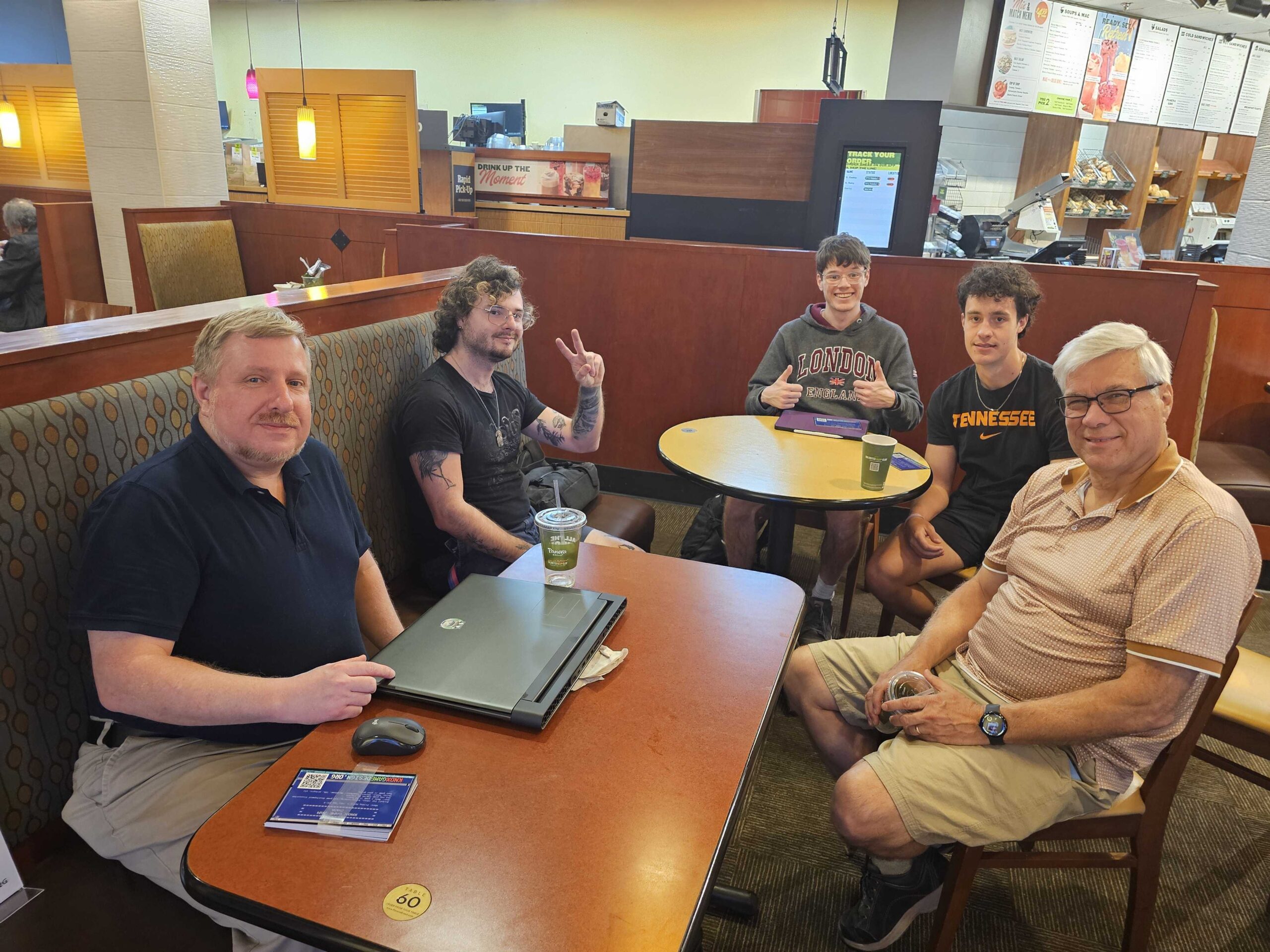
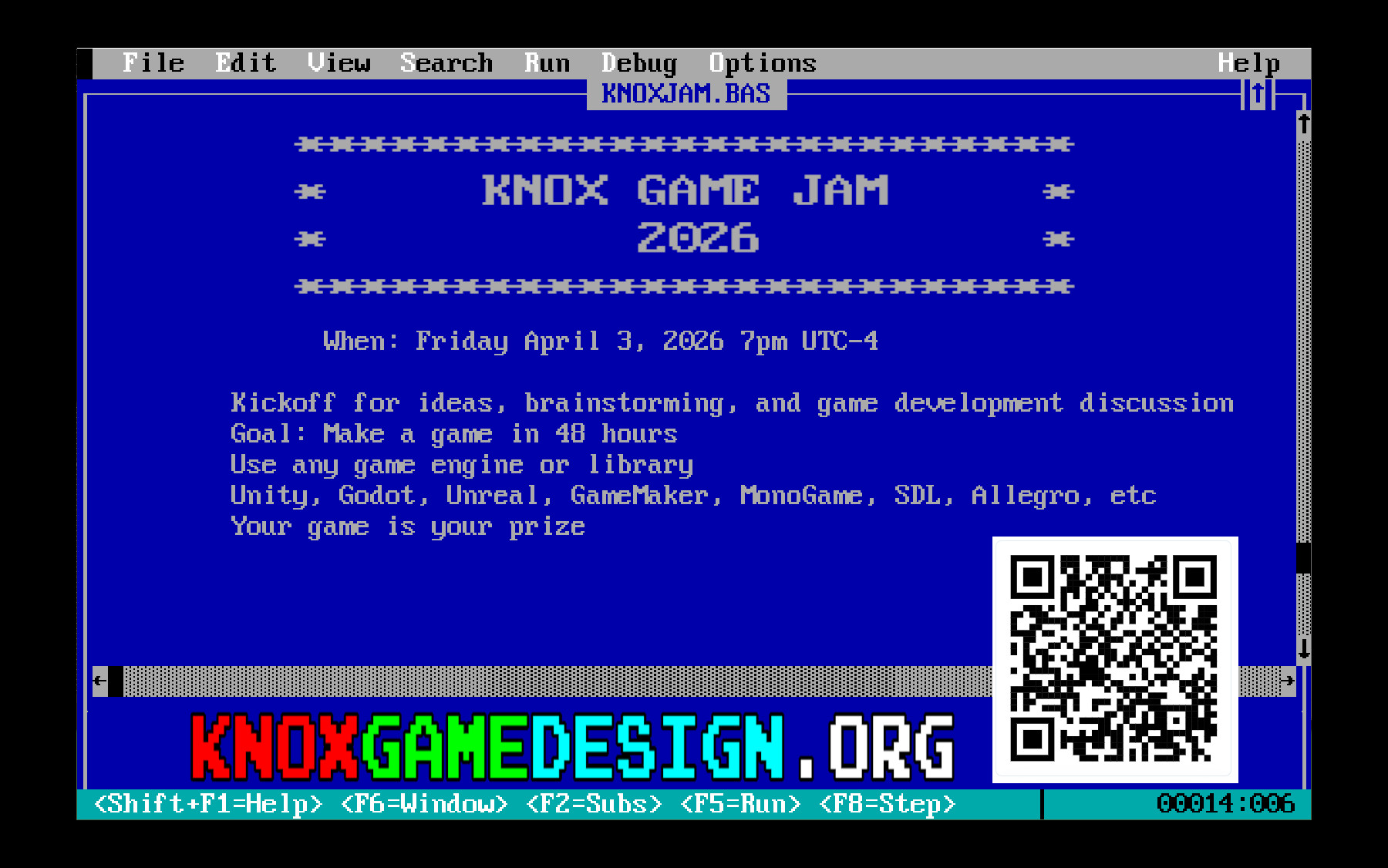
Kickoff for ideas, brainstorming, and game development discussion
Goal: Make a game in 48 hours Use any game engine or library Unity, Godot, Unreal, GameMaker, MonoGame, SDL, Allegro, etc Your game is your prize
Theme
Here are some suggested themes. Make a game based on one of the following themes, or make something completely different!
Illusions
Alone In The World
Generation
Colonize
Stronger Together
Survive
Roads
Explore The Universe
Don’t Stop Moving
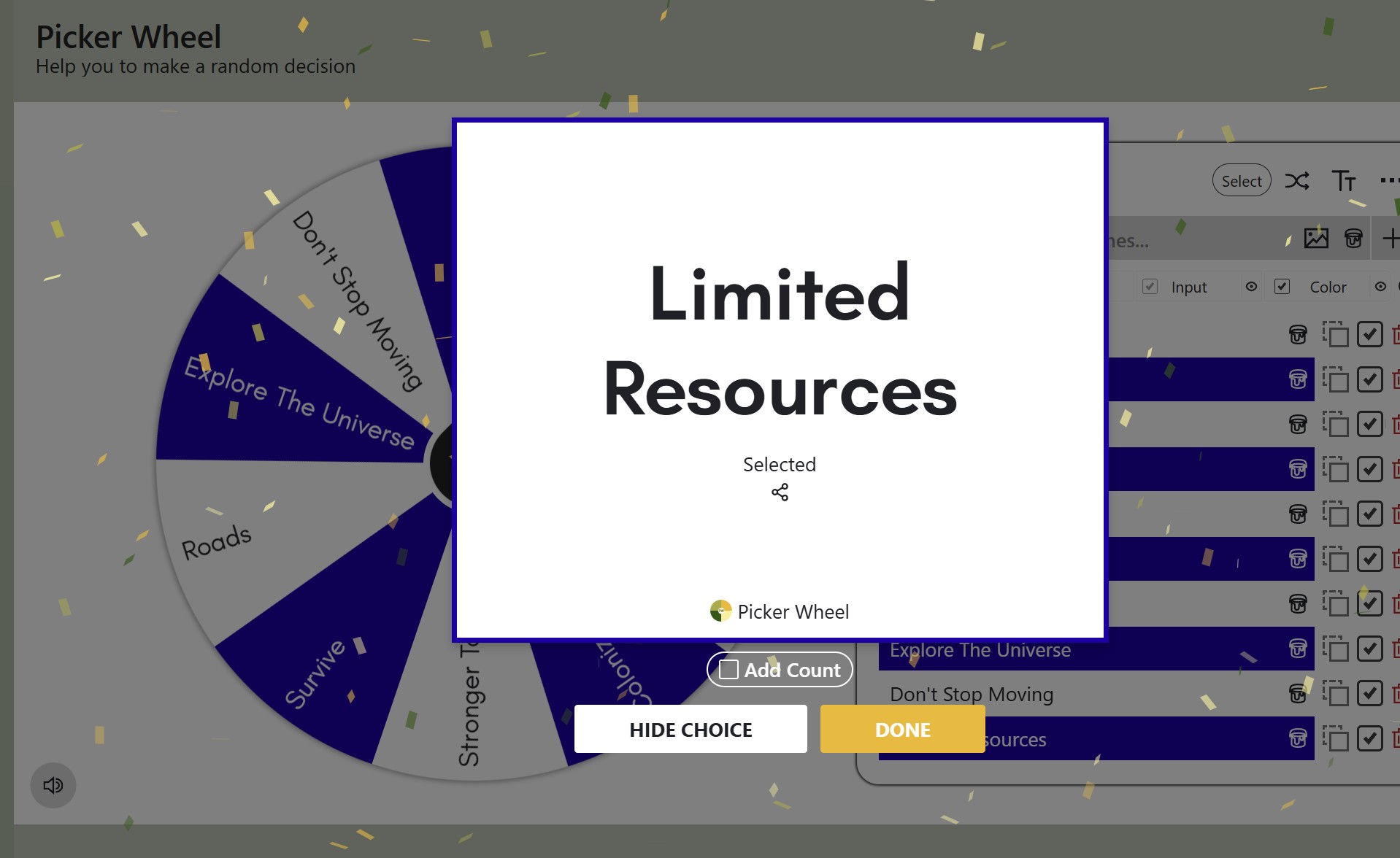
Limited Resources
During the kickoff meeting, we will put the themes on a virtual gameshow wheel. The theme will be selected by spinning the wheel. The theme is completely optional.
All are welcome to attend, even if you don’t plan on making a game. Any show and tell for game development projects in progress is also welcome.
Note – There will not be space for developing games at the kickoff event. However, forming teams at the event is welcome and encouraged.
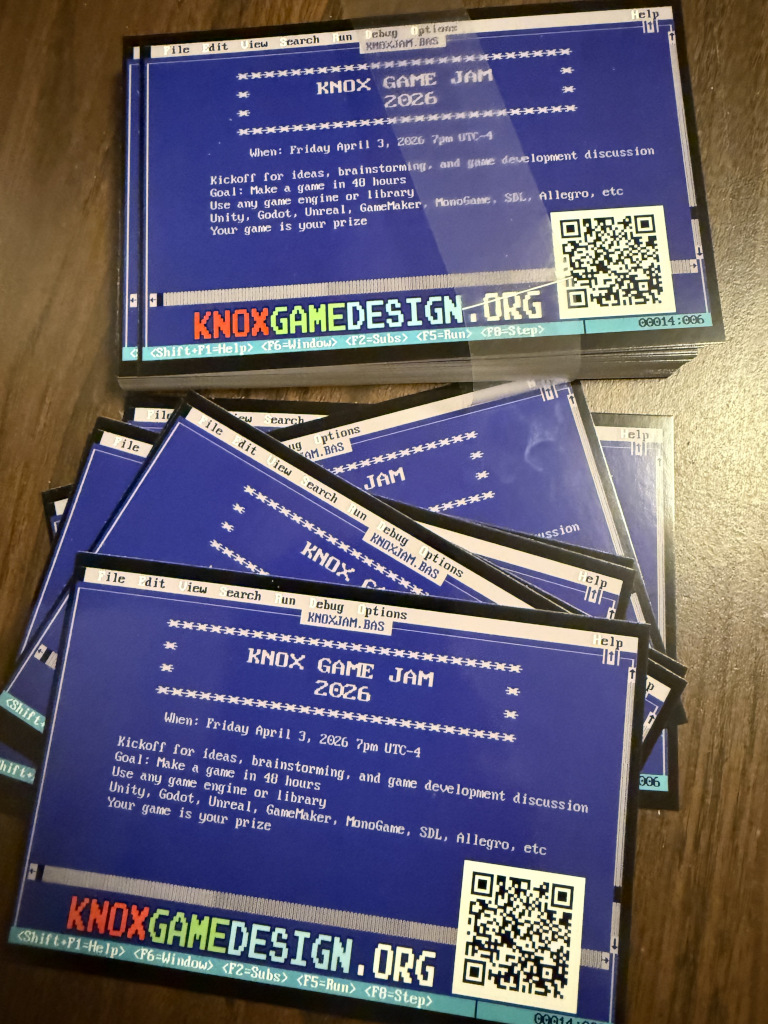
We have announcement cards for Knox Game Jam 2026. If you want one, let me know your mailing address and I will send it in the mail as a post card (USA addresses only, while supplies last). We should have some to give away at the kickoff meeting as well.
Explanation of how to create a game for N64. Overview of the N64 architecture. Development environment with Pyrite64, MSYS2, libdragon, and Tiny3D. How to install and setup development environment. Creating a new project. Navigating the editor. Adding a simple object and creating a build. Building and running a test project. Creating a model in Blender with Fast3D and exporting to glb format to be imported into development environment. Texture mapping for models. Code for moving and rotating objects. API documentation. Creating multiple instances with Prefabs. Simple collision for objects. Playing your game on real N64 hardware with the Everdrive64 X5 and Evergenesis 64.
Explanation of recreating the classic snake game for QBasic called Nibbles in MonoGame. Steps: Moving blocks. Add snake body. Limit snake length. Adding collectibles. Adding levels, Game States. Sound Effects. Title Screen, Options, Pause.